Define up to 999 independent Start profiles to start FSX/PREPAR3D 4 N* x, D$ ?3 o. I' ]% U: X6 |
JumpStart to jump into a saved flight in combination with a SIMstarter profile : {+ e3 {& ?0 @& M6 l* A
All settings of FSX and PREPAR3D can be configured by mouse-click for each profile & `2 q- U) l+ Y7 a9 W( X: SSelect preconfigured tweaks for FSX and PREPAR3D ; B7 I3 Y) G, {
Create individual ScenerySets for each profile to disable scenerys which are not needed : ~7 W. ^& M2 D3 j! H/ ?# U, y+ \Create individual start definition and file operations (copy, rename, delete files) for every profile including exit program when Simulator has been exited ) _! E$ I4 i2 ?* k" NCreate individual XML-Set for DLL.XML and EXE.XML for FSX and PREPAR3D 3 E! F0 j! t5 s' }# R0 \Define Standard Flight for every profile ' R9 U: K9 B' X) w( v
All changes will be documented in Logbook : N0 d5 @0 M) U9 l4 d [9 e# HCreate shortcuts to Desktop for every profile 6 M5 ~) D V: f# v# P# p2 i' HIncluding Livery Manager to sort or hide Liveries . [" u+ w Y+ D+ |$ a
Sort and validate configuration Files like fsx.cfg 3 \: R7 b: |8 H8 IDiff-Manager which manage changes that have been done by other programs * }4 B9 ^' ]3 m# K- wTextInfo Manager to easily define TextInfo and SlewTextInfos 7 c6 N+ ` W. t" z0 B; r$ W* RGoogleEarth Export to show all your AddOn Sceneries in GoogleEarth 5 o1 X H) K& Y1 _) h8 m0 ZClear your joystick controls for homecockpit users 2 `+ q$ x! f8 o. ]( w" B- |! h
Select individual SplashScreens for every profile * D3 h; [ s6 A RSIMstarterClient to start programs on a remote computer 4 ^ }6 j, c" MGeneral: New beautiful GUI ! ^; B: `/ Z! o$ rGeneral: Platform supports FSX, FSX-SE, P3Dv2.4, P3Dv2.5, P3Dv3 and P3Dv3.1 - U* ?1 c5 \+ DGeneral: More flexibility because each configuration set can be used in one ore multiple profiles 9 s- R$ C- D6 j$ m0 eGeneral: Added dialog if you want to close the simulator if its running - d( n, a2 a2 y/ h: U# dGeneral: All dialogs follow the same user interface logic 3 z/ r9 y g/ E" o z
General: Use of FSX/FSX-SE/PREPAR3D in parallel 6 ?& X* h. [5 T# E- wGeneral: Assign Configuration Sets directly to a profile (very useful) # y. f6 P& v6 k; B# X E P9 i
General: Add, Copy, Rename and Delete profiles and Configuration Sets t7 e* H [9 L' c5 I4 y% j
SceneryManager: Reworked Editor. Let you edit everything scenery related. . i$ {( |( w0 I. R' DSceneryManager: Colored overview for a better overview / ~! i f X9 a0 w
SceneryManager: Moving one or multiple sceneries below another entry (very useful) ) O2 l+ _) i2 d8 Y( RSceneryManager: Export an overview of all sceneries to a HTML page , x6 P% ?0 _. n2 Q, |5 _% M' ^
SimObjects: Reminder if new SimObjects are found & V7 A9 u- g7 N4 s1 l, }' p6 V
SimObjects: Fully compatible with P3Dv3 now 2 O# V# O- r2 k' w" BLiveryManager: Improved performance 8 x1 M2 q# [, f4 V7 _; _/ B. m
LiveryManager: Import library to import liveries to a repository. Makes it very easy to import new liveries. 2 V9 ?" P" y( h _
LiveryManager: Source directory can be defined now l; E- b+ o& @ ]3 ZProfiles: Use different FSUIPC.ini files : z7 v2 p( I6 i' W0 o* f5 R, zProfiles: Load a FlightPlan - J, P5 I3 H1 k; Z% U; u A% SProfiles: Startposition improved dialog performance & Y9 F& m6 d1 _
Profiles: Autodetect changes on a aircraft.cfg and reload aircraft cache 3 p7 j/ p6 b" _6 ?' z! O3 B9 a
Profiles: New SplashScreens , J) Q0 Y! n" N: Q% NProfiles: SplashScreens will work for P3Dv3 as well $ O7 b" W# u7 x7 X- `
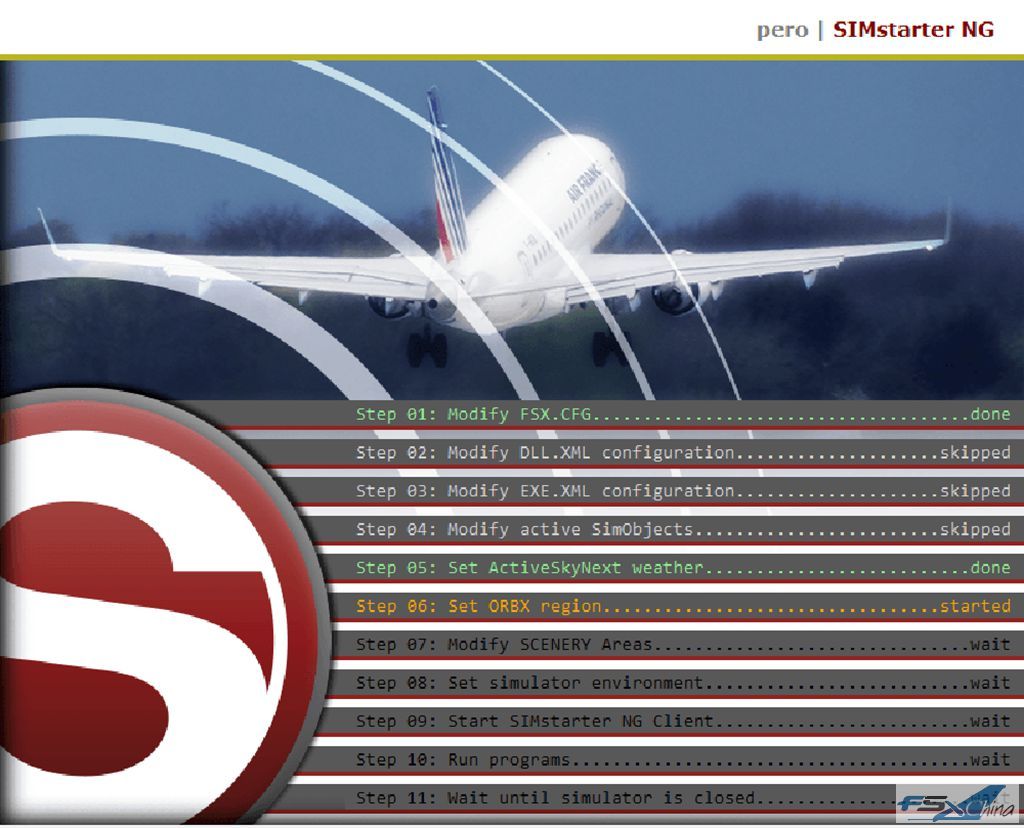
Profiles: New Start Screen + |9 o3 z4 O6 t$ B5 V$ O$ `
Profiles: METAR / TAF dialog # p& I0 ^5 u# |RunManager: New interface N# @6 @+ d( |. B; |# i& e
RunManager: Select Affinity for each program , h' Y2 d5 p- w, e# h3 b: iRunManager: Wait to start a program until the simulator has been loaded " @5 f, ~( W# E& u" F) @
XML-Manager: Complete reworked interface allows you to manage all DLL.XML and EXE.XML settings. , }# D% N' O: C2 B& aDiffManager: Assign changes to every SimulatorConfiguration Set ! @1 G9 x% E! G4 sCleanDesk Manager: Define programs that should be stopped at the beginning of the simulator session and restarted if simulator is closed (good idea for programs that are not need for your simulator) 6 _0 a4 H" E& F9 Y% P. A5 W; {- W. fLogbook: Complete new logbook of all user changes. You’ve done a change to the configuration and don’t know anymore? No problem for the logbook!$ u- x3 e' M" [& D+ n; J9 X; V





 IP卡
IP卡 狗仔卡
狗仔卡


 提升卡
提升卡 置顶卡
置顶卡 沉默卡
沉默卡 喧嚣卡
喧嚣卡 变色卡
变色卡 显身卡
显身卡